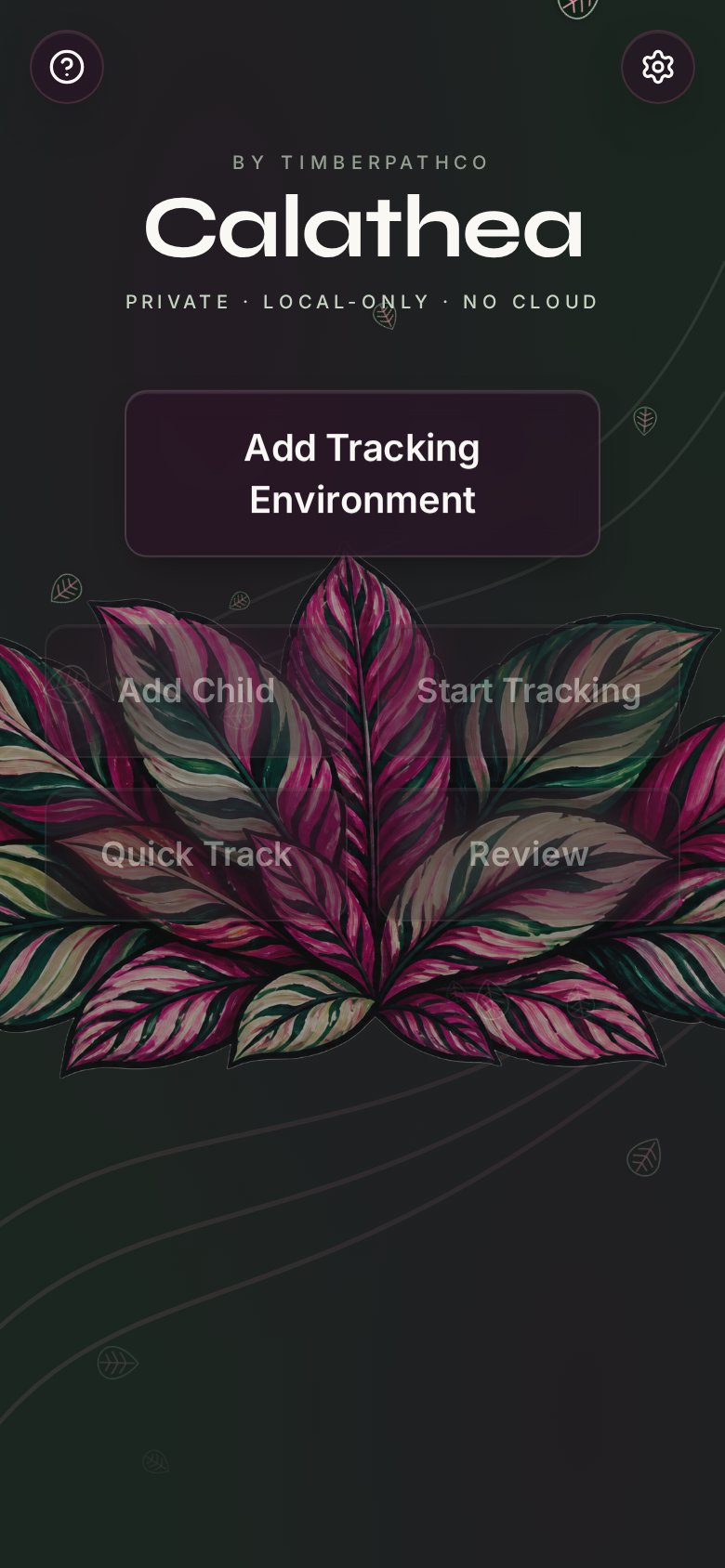
Private · Local-only · No cloud
Calathea
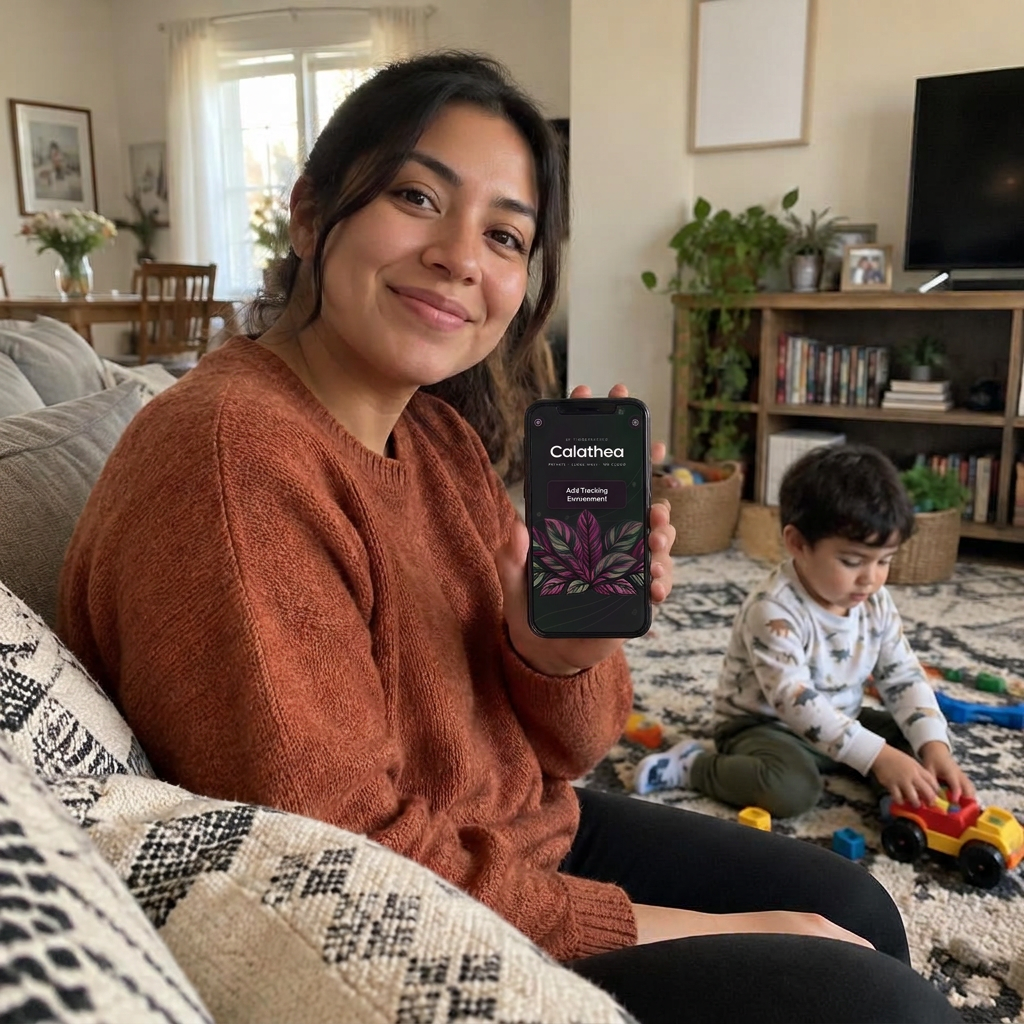
Record and review ABC behaviour data in three quick taps, so you can spend less time with a clipboard and more time with the child in front of you.
Why Calathea
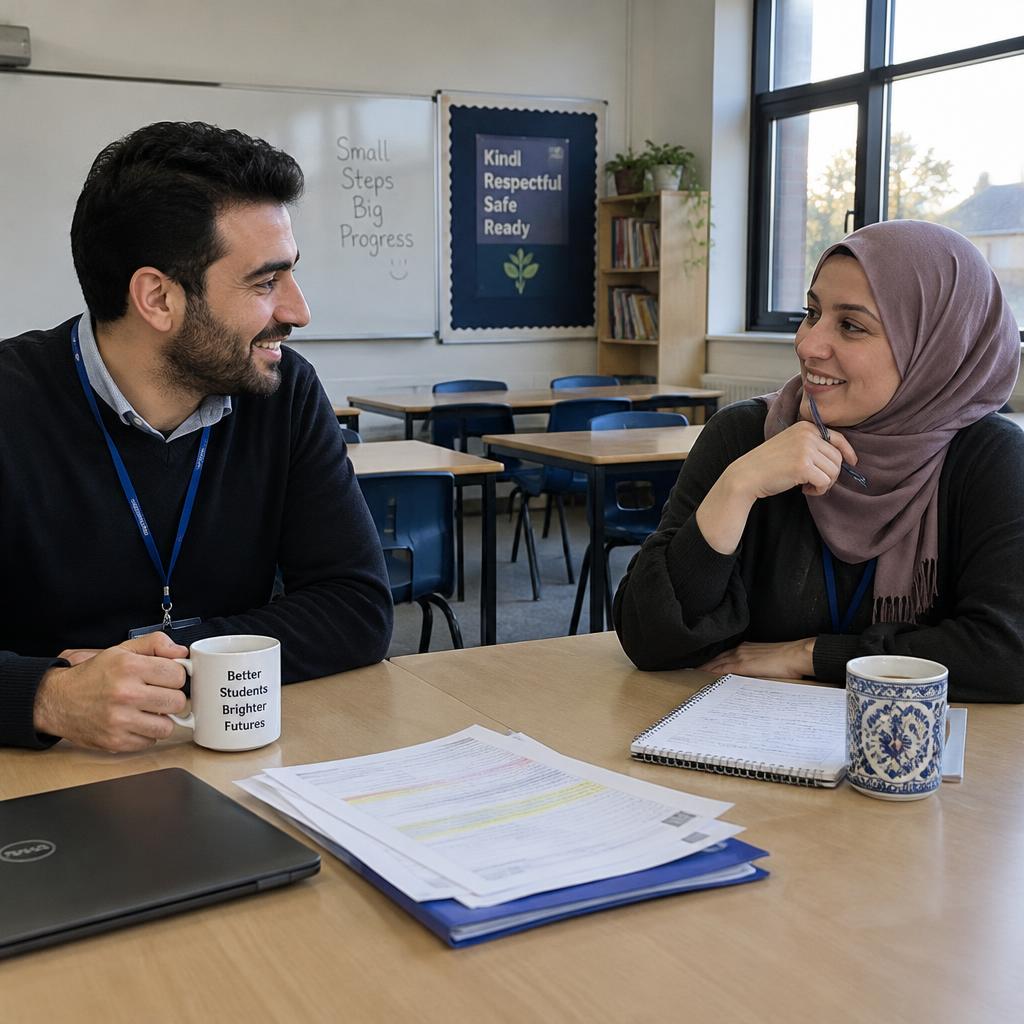
Built by a special educator for families, ABA practitioners and school teams who want accurate data without the paperwork getting in the way of connection.
Why the name
Calathea is famously hard to grow. It asks for patience, steady attention and the right conditions. But give it that care, and it rewards you with some of the most beautiful leaves in nature.
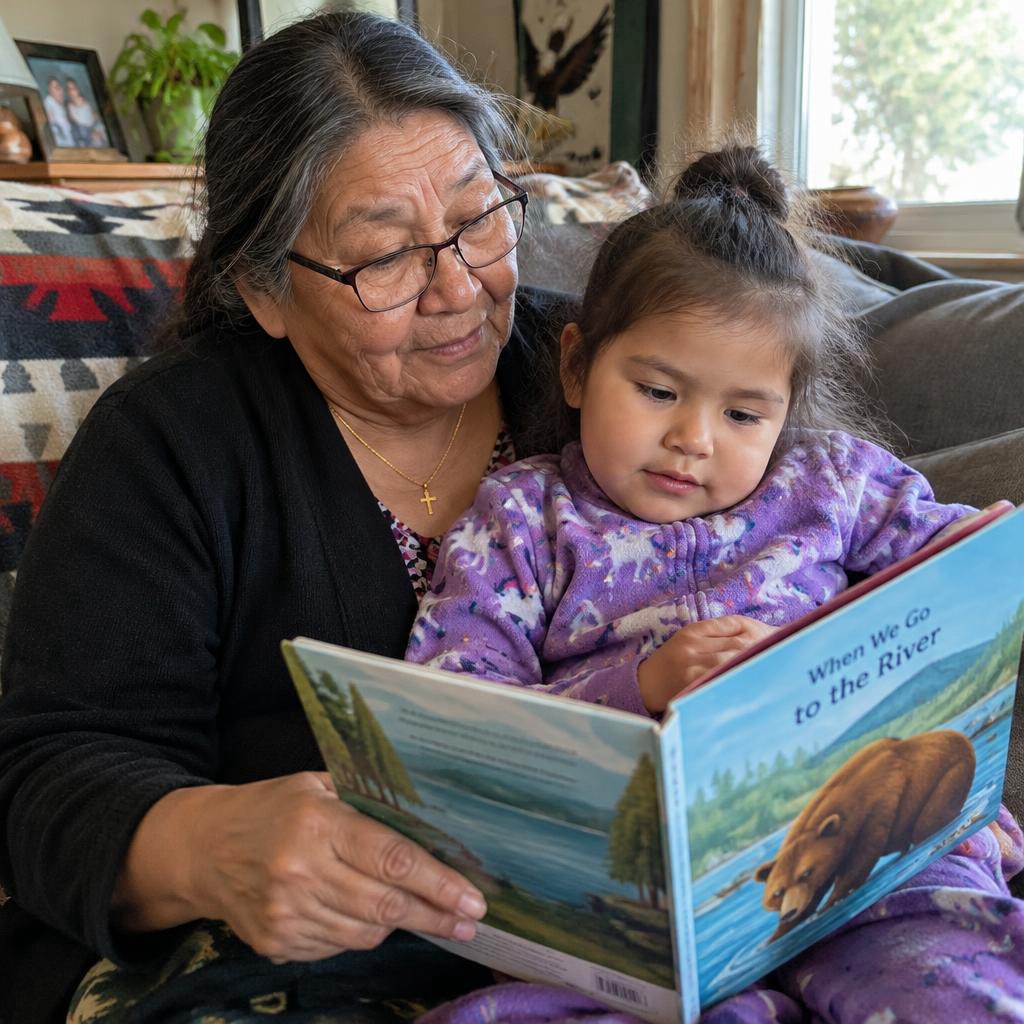
We think connection with the children in our care works the same way. It is never easy, and always worth the effort.
connection is everything
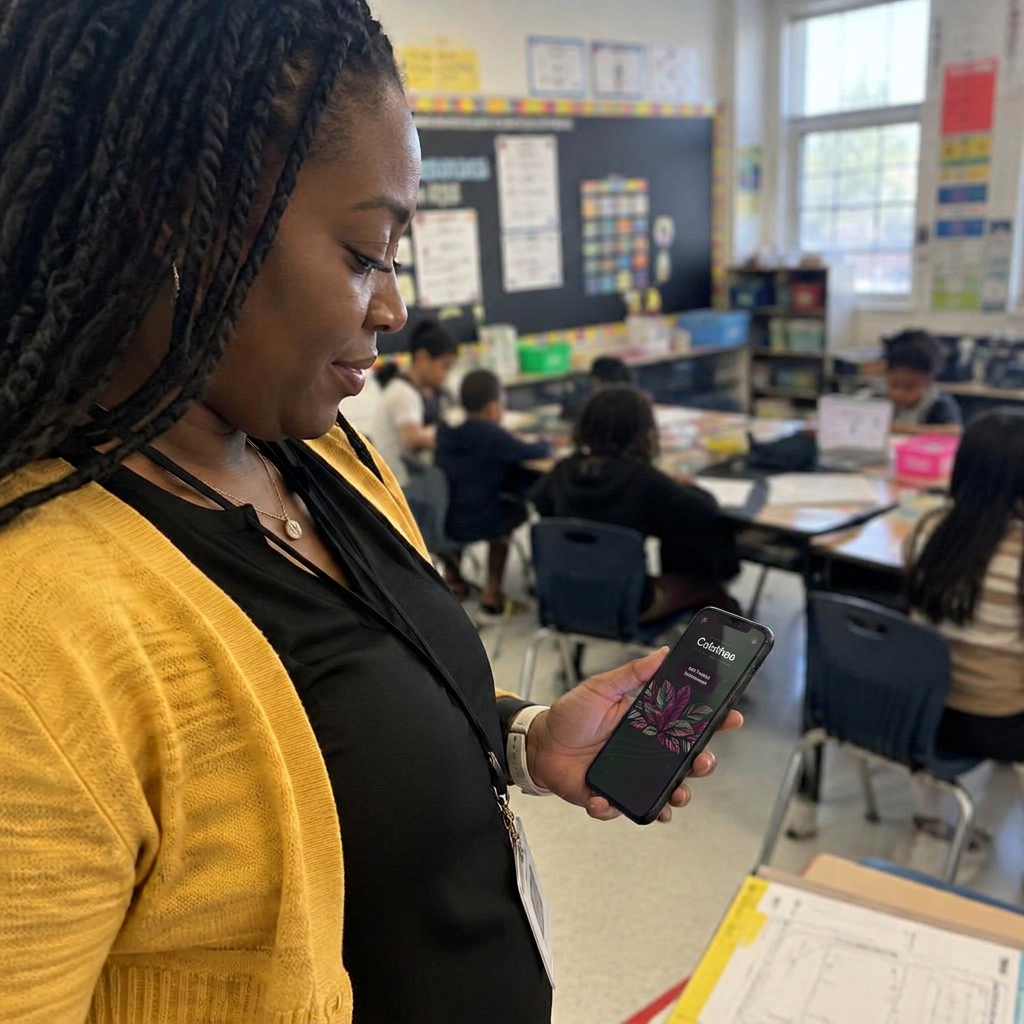
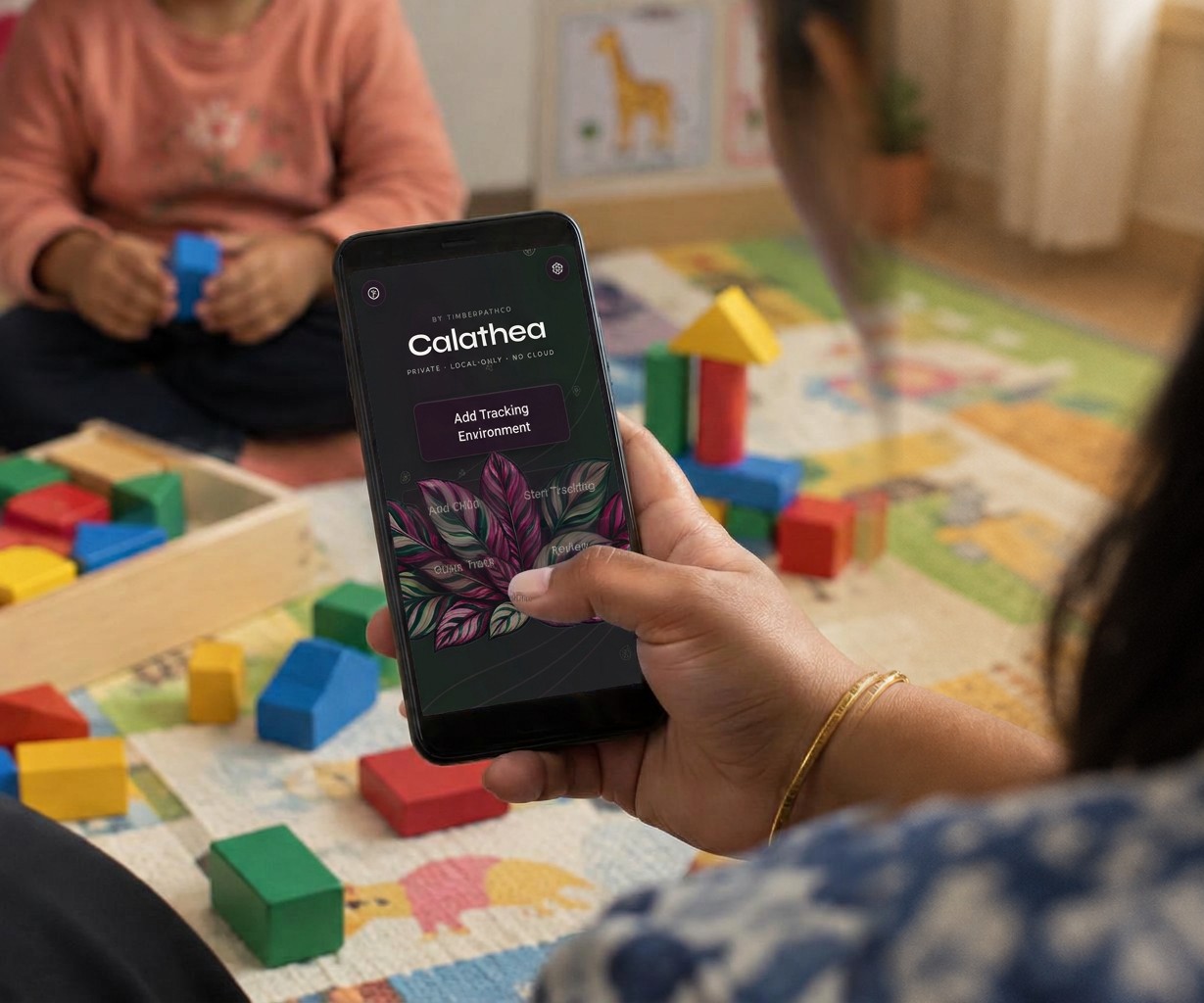

What it does
Three-tap logging
Behaviour, then antecedent, then consequence. Record an event in seconds, without looking away for long.
Private by design
Local-only. No cloud, no accounts. Nothing you enter ever leaves the device.
Tracking environments
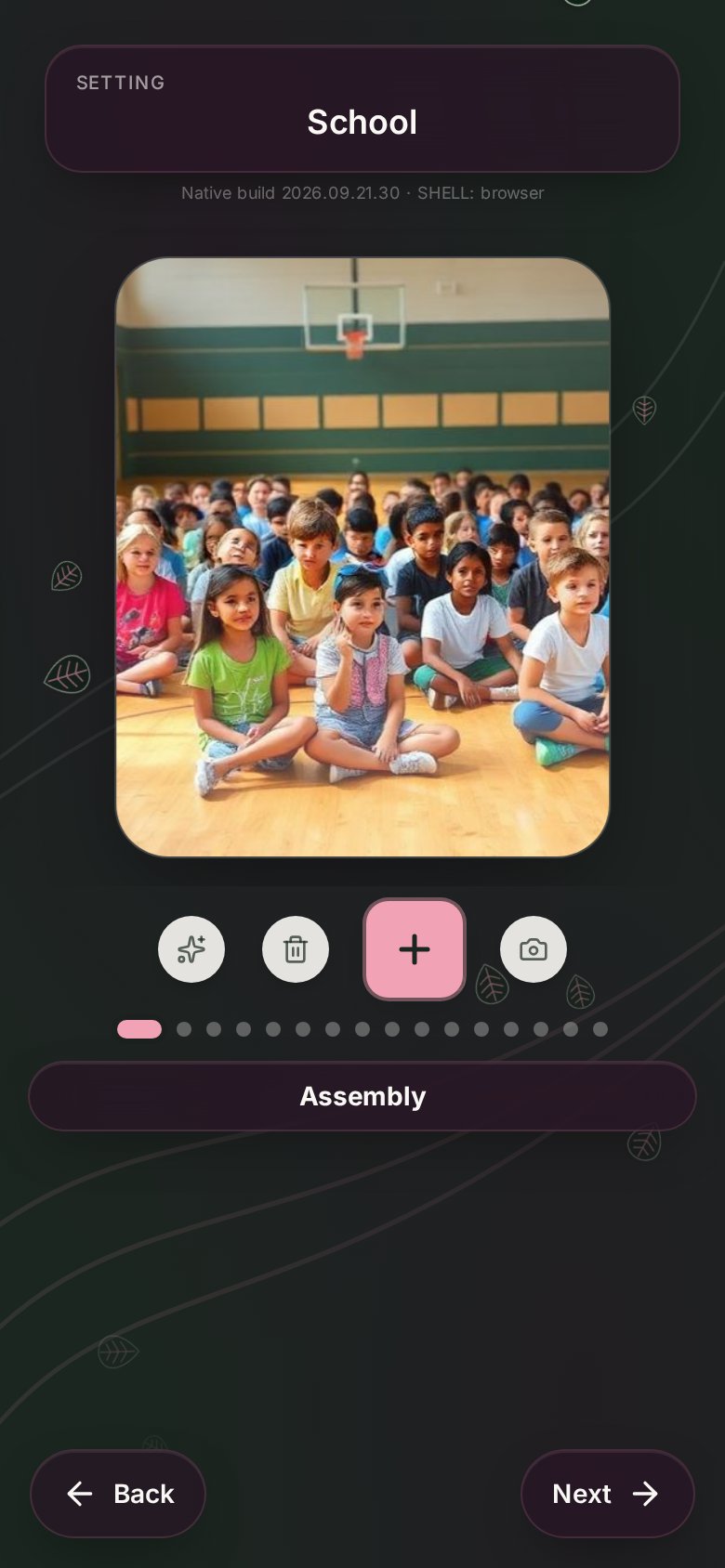
Set up classrooms, recess, home or clinic with ready-made tiles or your own photos.
Child profiles
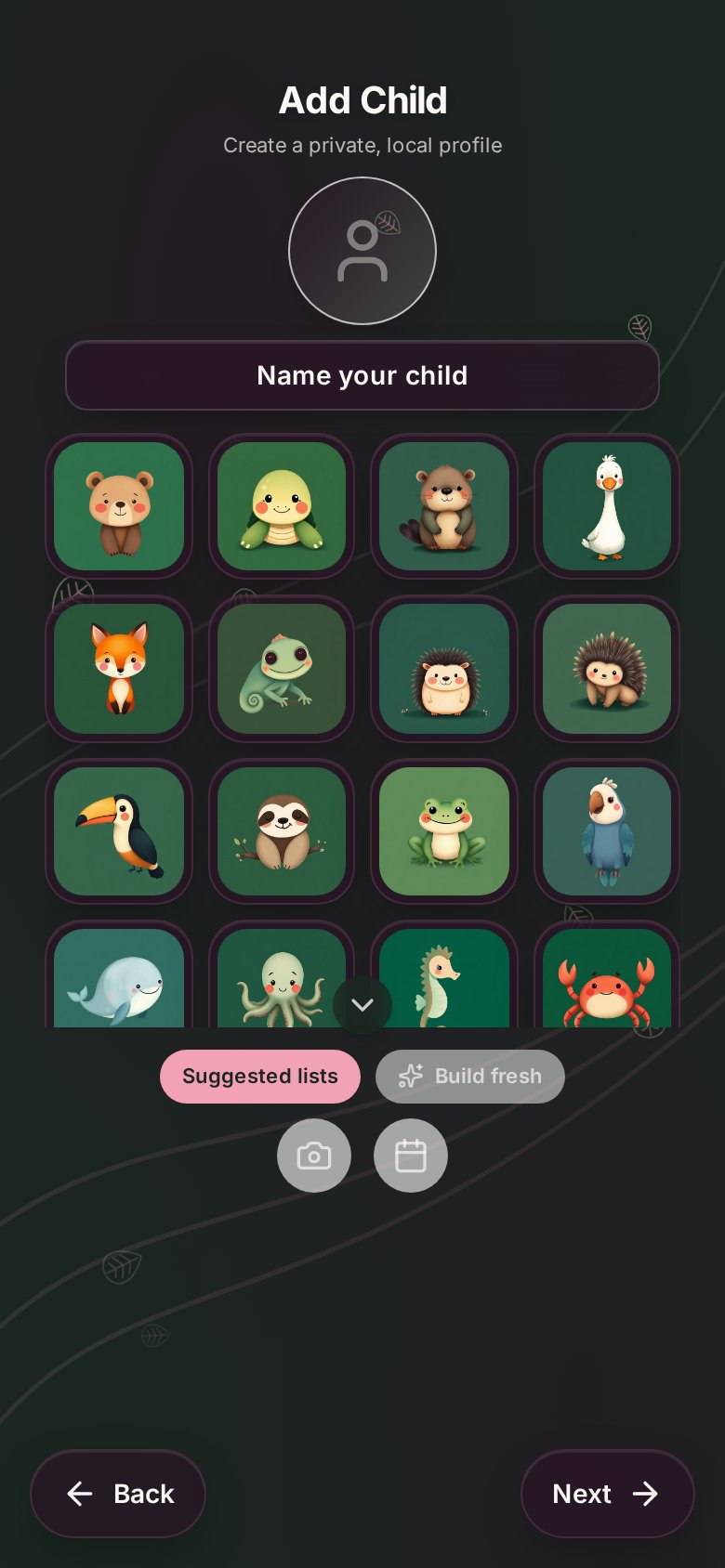
Build each child's own antecedents, behaviours and consequences, from suggested lists or from scratch.
Duration timer
Mark behaviours as timed and a stopwatch starts during tracking, so you know how long they lasted.
Dynamic bubbles
Choices you tap often grow; rarely used ones shrink away, so the screen fits the child.
Quick Track
Jump straight back into the last child and environment when something happens and you need to log it fast.
Review and export
See every event by date and export a printable PDF summary with trends, timings and a full event log.
Backup and team sharing
Back data up to a file and bring logs together across the team, still without a cloud.
See it in action
01
Everything from one calm screen
Add an environment, add a child, start tracking, or jump into Quick Track and Review. A short tour walks new users through it.
02
Places that look like the real thing
Swipe through location tiles for each setting: classroom, gym, hallway, assembly. Swap in your own photos any time.
03
A friendly profile for every child
Pick an animal avatar, name the profile, and start from suggested lists or build fresh.
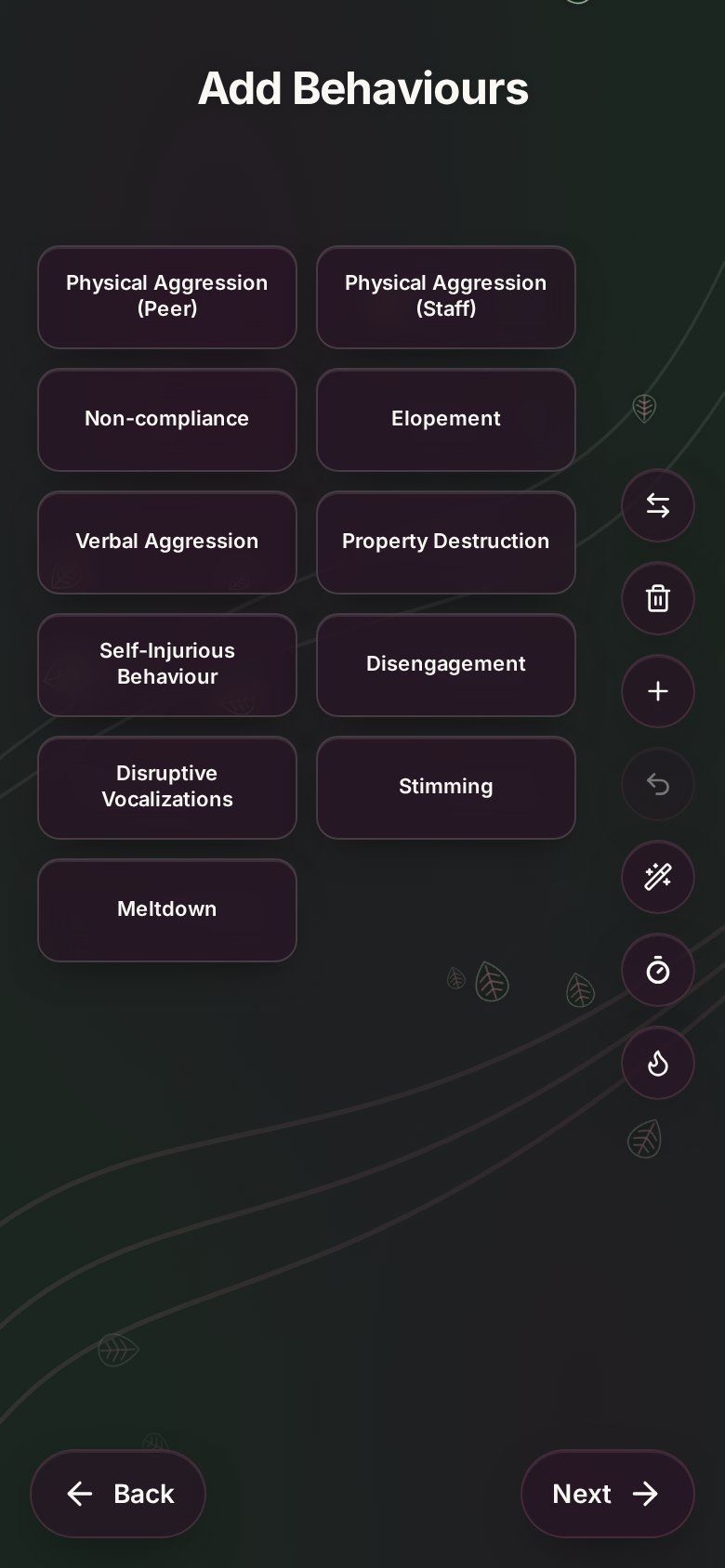
04
ABC lists you shape yourself
Rename, reorder, add, delete, undo, or restore the defaults. Turn on timers and dynamic bubbles with one tap.
How it works
Set up
Add your places and a child profile with the ABC lists you need.
Log
Tap behaviour, antecedent and consequence as it happens.
Review & share
Look back by date and export a PDF for the team.
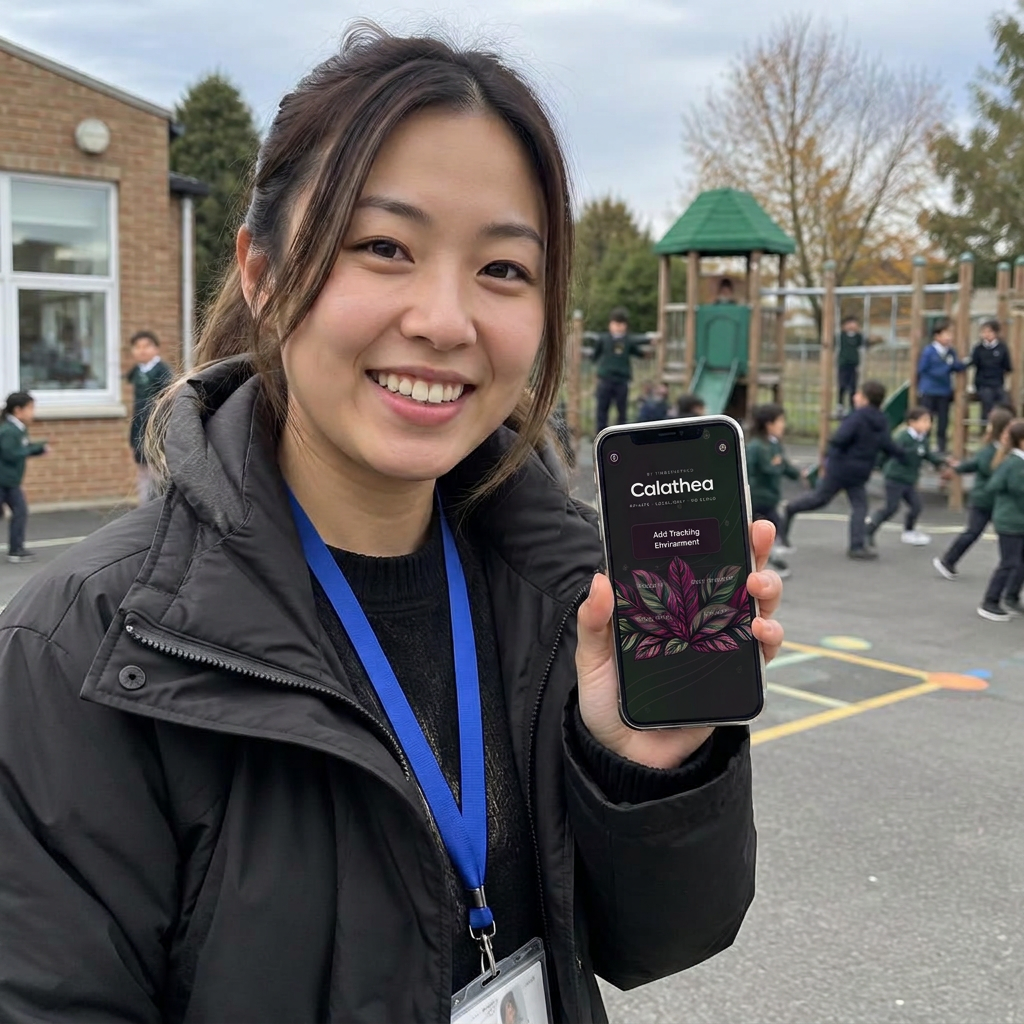
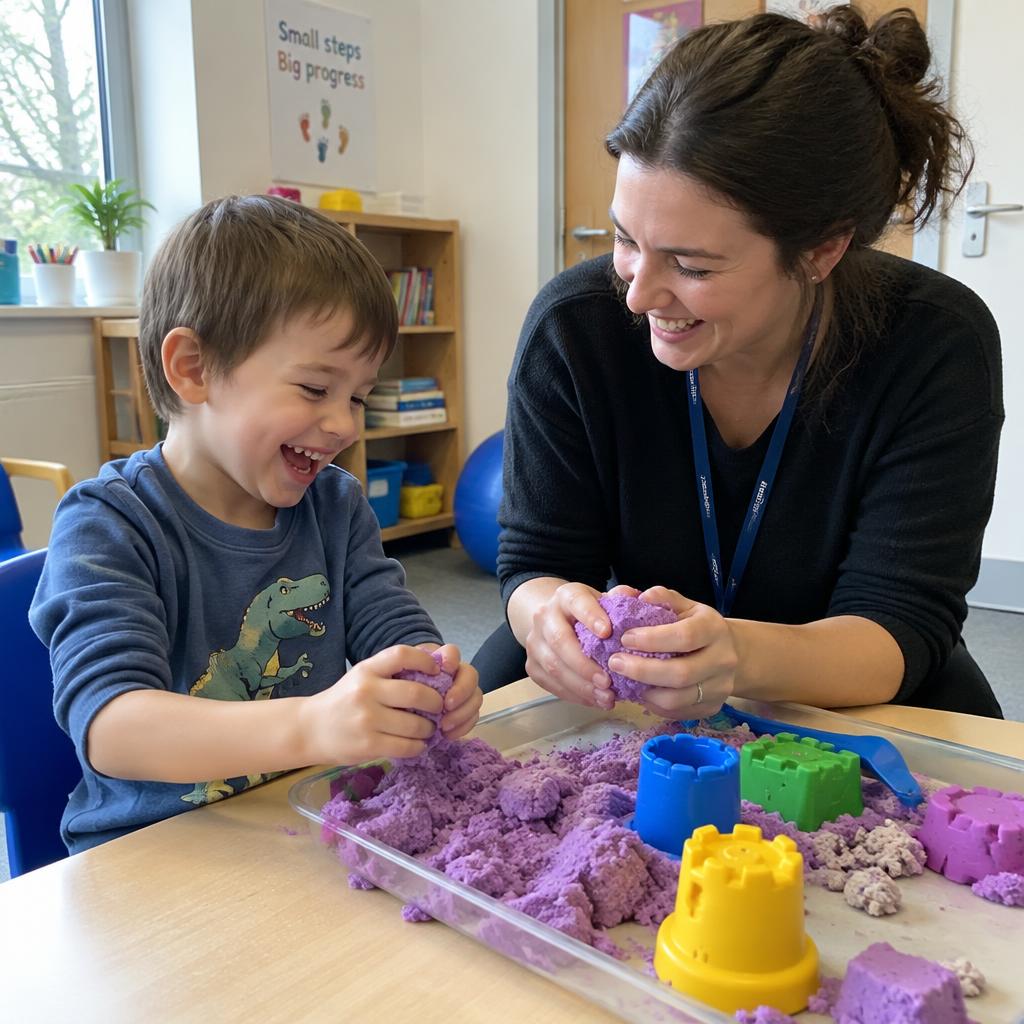
Less clipboard. More connection.
Next from TimberpathCo: Pothos, an IEP goal tracker, coming soon.